- Expert and fully HMRC & GLAA compliant payroll support to suit your needs
- Dramatically cut costs & improve operational efficiencies
- Boost your employment offering with inclusive benefits & wellbeing support
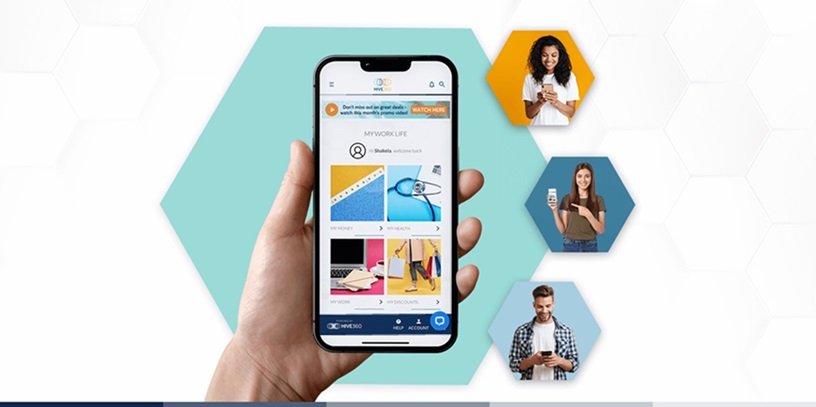
- Customise our Engage app to put pay, perks and pensions in the palm of your employees’ hand
Welcome to payroll & benefits reimagined
We’ll streamline your employment administration and boost your employee experience.
Adding value to your business
We are a commercial partner like no other, we work with you to create cost savings on your payroll, pensions administration and benefits, we’ll improve your process efficiencies and reduce your overheads, and add value to your business.
Bottom line - our solution will help you boost yours

Looking after your people
Having a healthy bottom line is only sustainable if you’ve got a healthy and happy workforce, that’s why we include a mobile app packed full
of free benefits and vital health support and money saving discount within our solution as standard. We put Pay, Pension and Perks
in the palm of your hand – helping to kick start your employee engagement, and adding value to your employer brand.

Download your HIVE360 App today
Are you new to Hive and looking to download your app ? Set up is quick and easy. Simply download the HIVE360 App from App Store or Google Play, but remember you will need your 4-digit PIN at hand to access your app – need help getting set up?





What our clients have to say about HIVE360